
Have you ever struggled to get to your fan page on a daily basis to see what kind of activity you have had and respond to everyone’s posts in a timely manner? This is oftentimes a huge problem for new fan page owners and small business owners who do not have a social media manager to do this on their behalf. Ever wish that Facebook would notify you when someone posted on your page? If so, you are not the only one!!
Now there is a SOLUTION and it is FREE!
INTRODUCING…
HYPER ALERTS
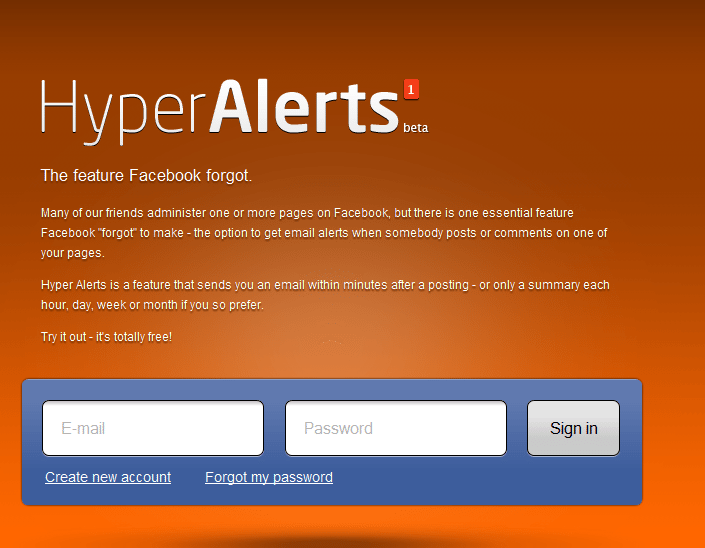
This app was created by Are Sundnes for Hyper Interaktiv in Oslo, Norway and is currently in the BETA stage. Hyper Alerts has a clean, simple interface that is easy to sign up for and easier yet to utilize. This app provides an email alert when someone posts or comments on your fan page.
STEP ONE
Go here to sign up: http://alerts.hyperinteraktiv.no
STEP TWO
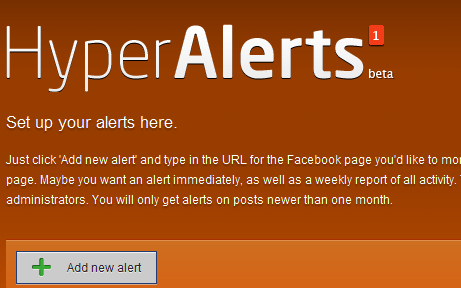
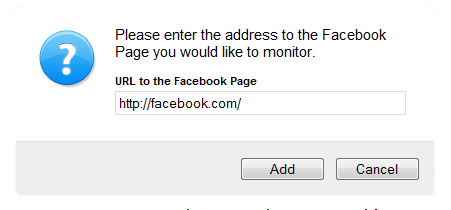
One of the very cool things about this app is that you can add as many alerts for as many fan pages as you like, and even multiple alerts for the same fan page. Perhaps you have favorite fan pages that you follow and would like to be alerted when content is added to those pages. How cool is this?
STEP THREE
NOTEWORTHY…this app does not use Facebook Connect and thus does not need access to your personal info which is AWESOME!
STEP FOUR
You can choose the frequency of alerts, fan posts, fan comments and even get alerts when your own content is posted if you so choose. Don’t forget to CLICK SAVE.

STEP FIVE
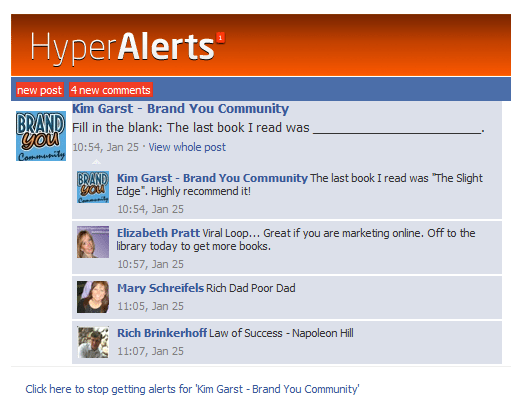
The emails you receive reflect an exact replica of what you would see if you were physically on your Facebook wall. Another huge advantage is that the emails are text based so you can now save your fan page content! For example, if you wanted to archive your fan page content, you could set up a separate alert that is WEEKLY or MONTHLY and VIOLA!
About Author


1 thought on “NEW APP HYPER ALERTS – FREE FACEBOOK FAN PAGE NOTIFICATIONS”
Love this blog and the app! Kim! Thanks!